Navigating Client Confidentiality and Data Privacy When Deploying AI in Legal Practice
A practical guide to complying with the Code of Professional Responsibility and Accountability (CPRA) and the Data Privacy Act of 2012 when using AI legal software.

Compliance Team
Canon II & Client Secrets: The Ethical Imperative
Under Canon II of the Philippine Code of Professional Responsibility and Accountability (CPRA), a lawyer must preserve the confidences and secrets of a client at all times—including across digital systems.
Furthermore, Republic Act No. 10173 (The Data Privacy Act of 2012) mandates strict organizational, technical, and physical security measures when processing personal and sensitive personal information.
How JurisChat Enforces Security
JurisChat was architected with enterprise-grade defenses:
- Isolated Tenant Data Architecture: Client documents and matter notes are segregated using cryptographic boundaries and Row-Level Security (RLS).
- Zero AI Model Training on Firm Data: Your confidential pleadings, client disclosures, and discovery files are never used to train global AI models.
- AES-256 & TLS 1.3 Encryption: All data in transit and at rest is safeguarded with modern cipher suites.
- Audit Logging: Every document download, view, and deletion is immutably stamped with user identity and timestamp.
Legal practitioners can rest assured that modern productivity does not come at the expense of professional ethics.
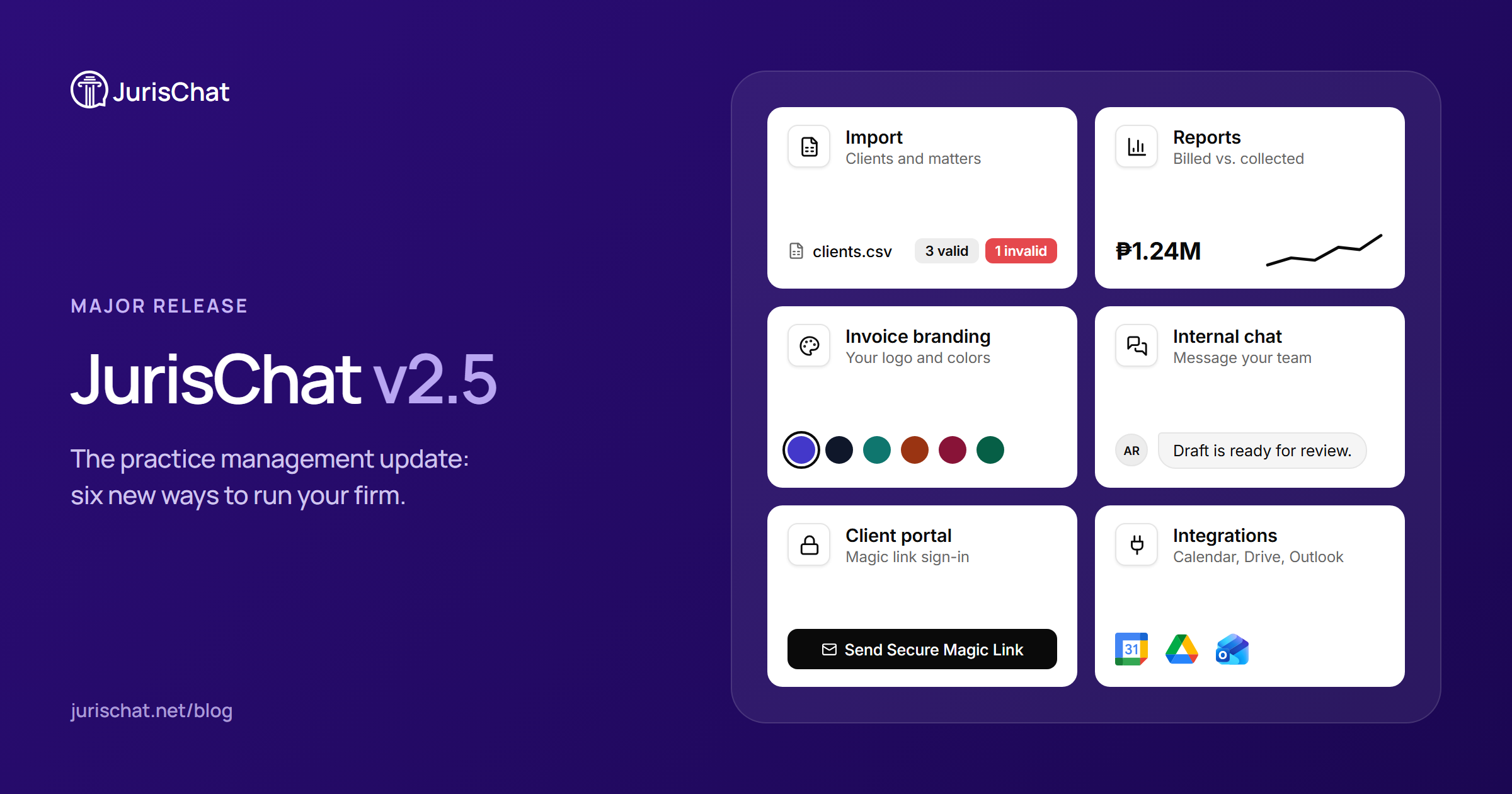
New in JurisChat v2.5: Private Team Threads and a Passwordless Client Portal
Two v2.5 features keep confidential communication inside the workspace instead of scattered across personal chat apps and email:
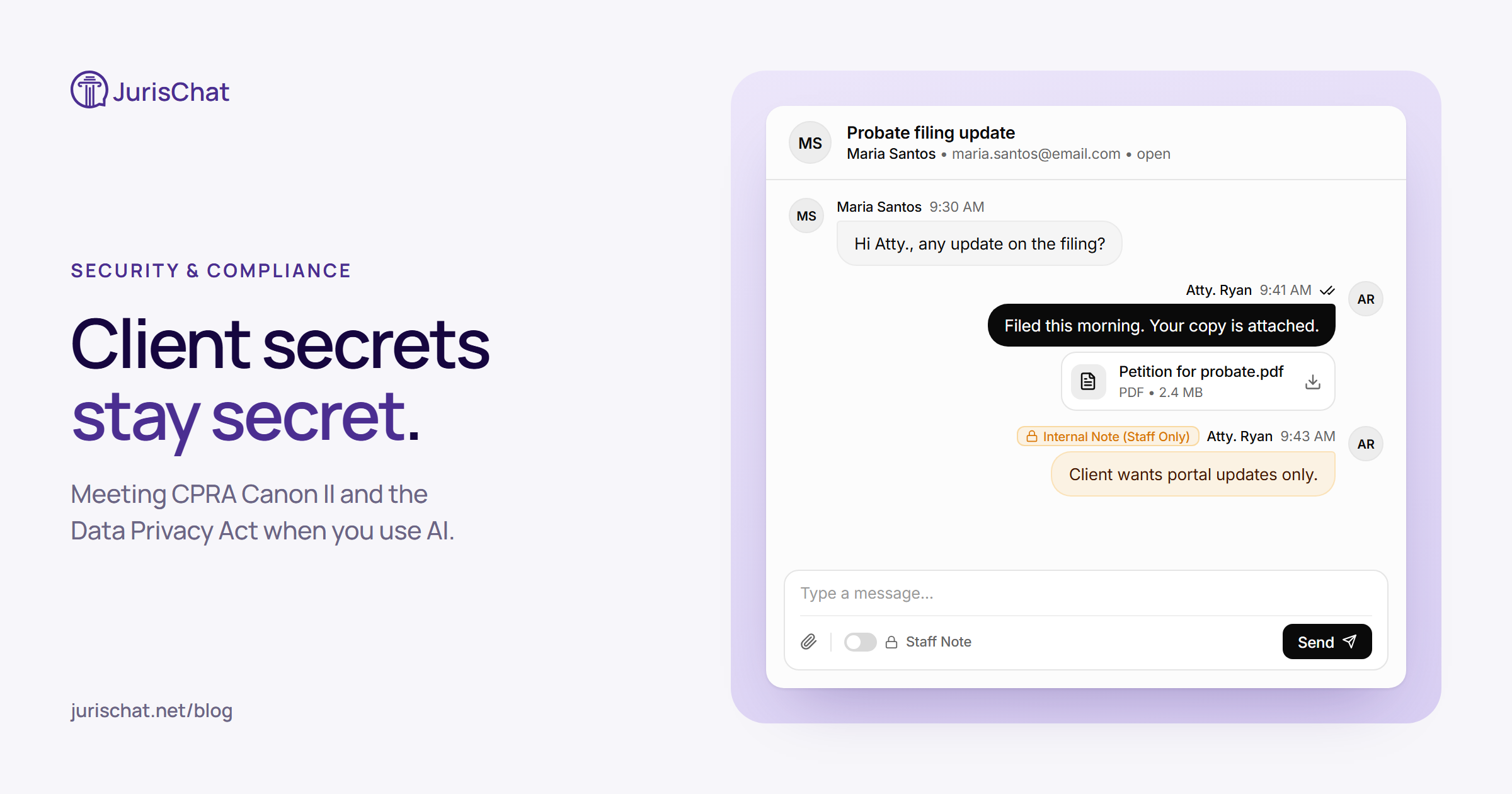
- Staff-only internal discussions: Each thread is marked "Staff Only Thread" and stays within your organization, so clients never see it.
- Client portal with Staff Notes: Each portal gives one client access to one matter only. Clients sign in with a magic link sent to their email, so there is no password to share or reuse. Your team can leave private Staff Notes in the same conversation, shown as "Internal Note (Staff Only)" and hidden from the client.
Read the full JurisChat v2.5 announcement for details.