JurisChat v2.5: The Major Practice Management Update
JurisChat v2.5 brings bulk import for clients and matters, firm-wide reports with CSV export, branded invoices, staff-only internal discussions, a magic-link client portal, and Google & Outlook calendar and Drive integrations.

JurisChat Team
Welcome to JurisChat v2.5
Today, we are releasing JurisChat v2.5, our biggest update yet for running the day-to-day operations of a modern law firm: bringing in your records seamlessly, gaining clear visibility into firm performance, billing professionally, collaborating privately with your team, and keeping clients updated in a dedicated portal.
As a legal practice grows, operational friction compounds: legacy client files that take hours to enter manually, fragmented spreadsheets for billing and collections, team discussions lost across chat apps, and court deadlines trapped in disconnected calendars.
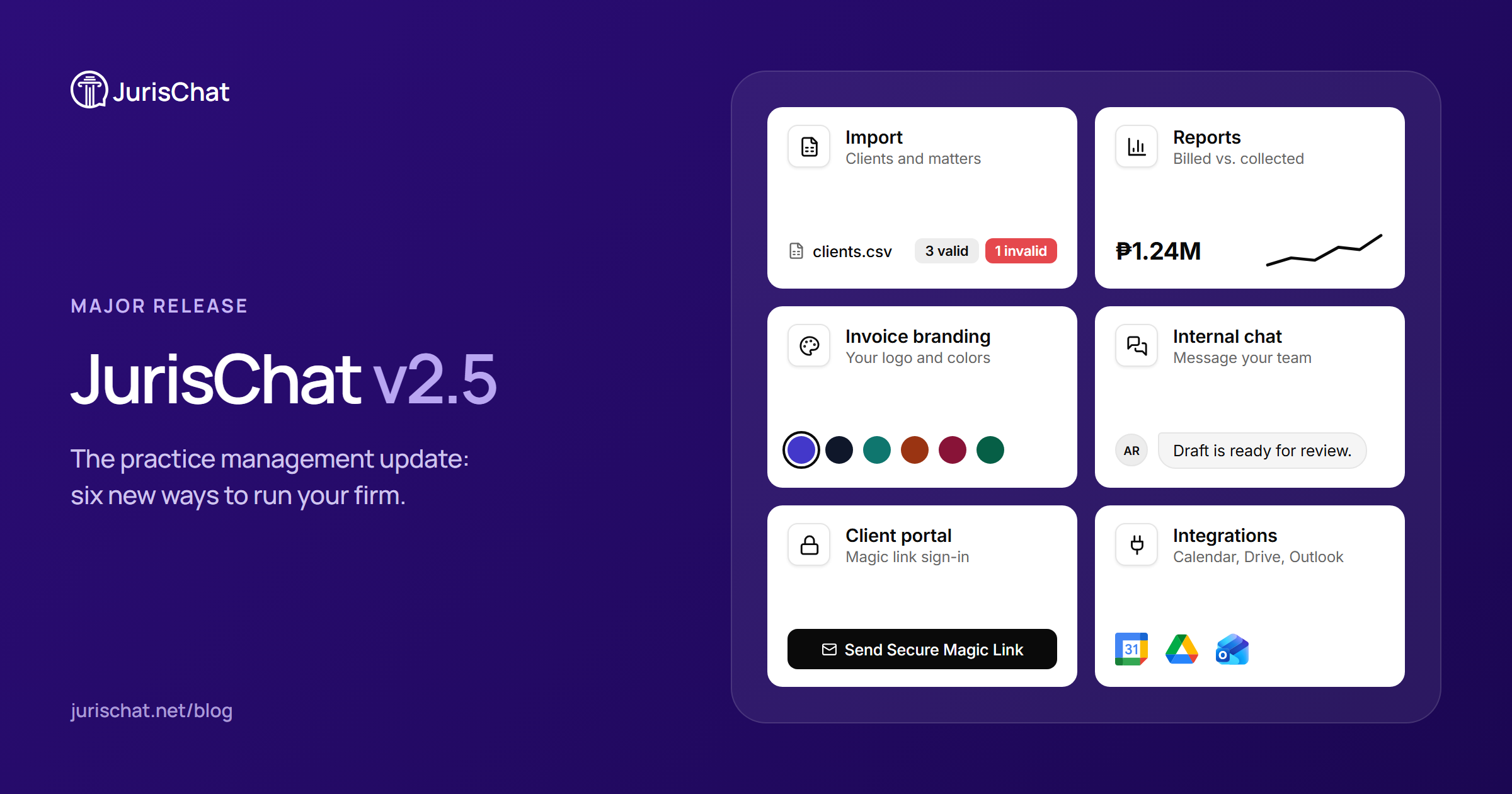
JurisChat v2.5 solves this with six major updates:
1. Import Clients & Matters in Bulk
2. Reports & Analytics
3. Custom Invoice Branding
4. Internal Staff Discussions
5. Secure Client Portal
6. Google & Outlook Integrations
1. Import Clients & Matters
Bring your existing client files and open matters into JurisChat in minutes instead of typing them in one by one. Every row is validated before anything is committed to your database.
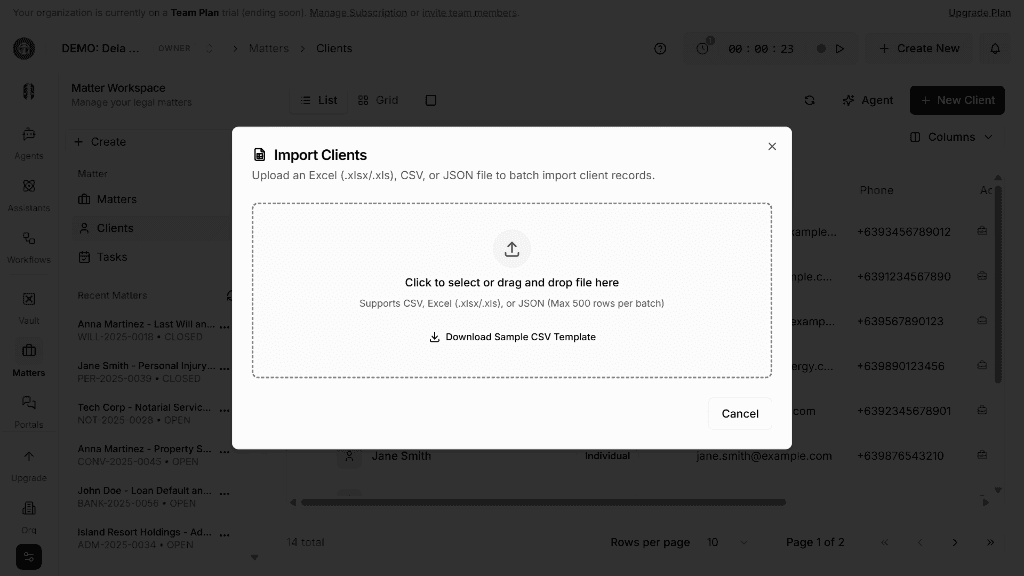
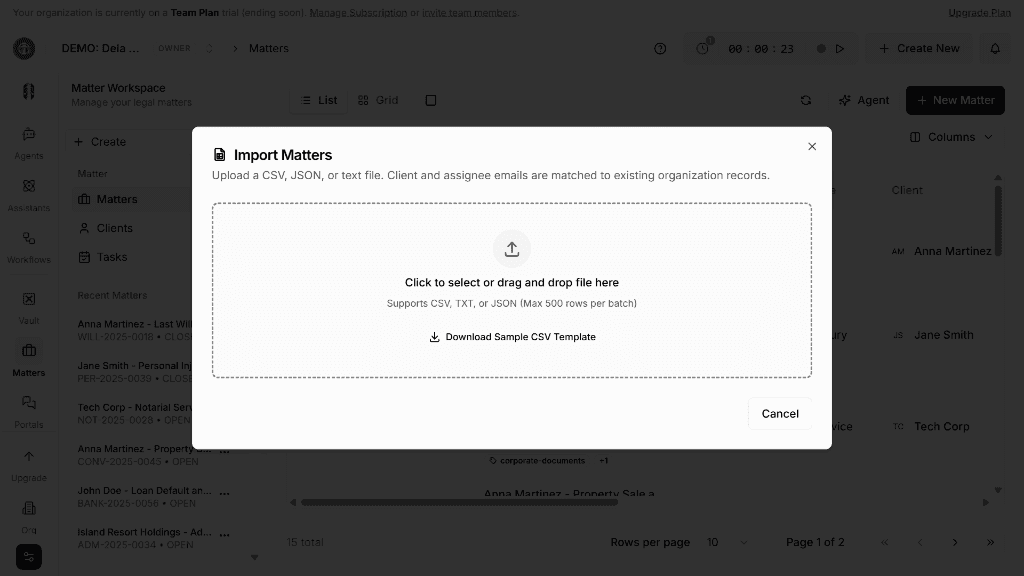
- Pre-import validation: JurisChat reads your file and displays an immediate preview. Valid records are marked Ready, while invalid rows are flagged with specific guidance so you can resolve issues before saving.
- Multiple file formats: Clients can be imported directly from Excel (
.xlsx,.xls), CSV, or JSON. Matters support CSV, TXT, and JSON. - Sample templates: Download standard CSV templates right from the modal to align your columns instantly.
- Batch processing: Import up to 500 records per batch with automatic client email matching and staff assignment.
2. Reports & Analytics
Track your practice's health without stitching together manual spreadsheets. Reports organizes your firm data into four comprehensive views:
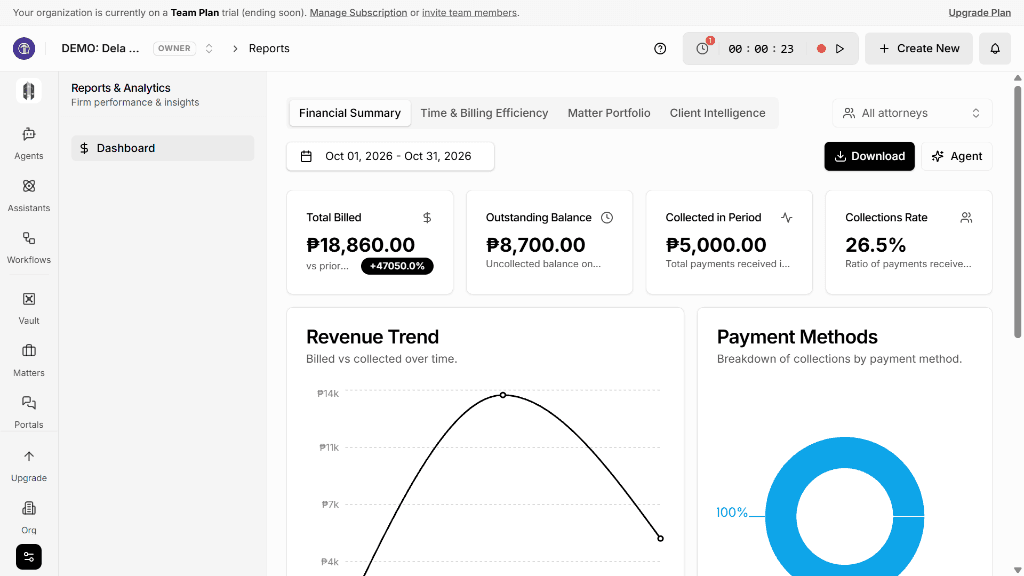
- Financial Summary: Total Billed, Outstanding Balance, Collected in Period, and Collections Rate, complete with Revenue Trends, Payment Methods, and Invoice Aging.
- Time & Billing Efficiency: Total Hours, Billable Ratio, Average Billable Rate, and Unbilled Pipeline broken down by attorney, matter, and activity.
- Matter Portfolio: Active and Closed Matters, Average Matter Duration, and Overdue Milestones alongside attorney workload distribution.
- Client Intelligence: Active Clients, New Client Acquisition, and Client Revenue Rankings.
- CSV Export: Download any view as a formatted CSV spreadsheet for your accountants or partners with one click.
3. Custom Invoice Branding
Ensure every statement of account, retainer notice, and bill sent from your firm reflects your professional identity.
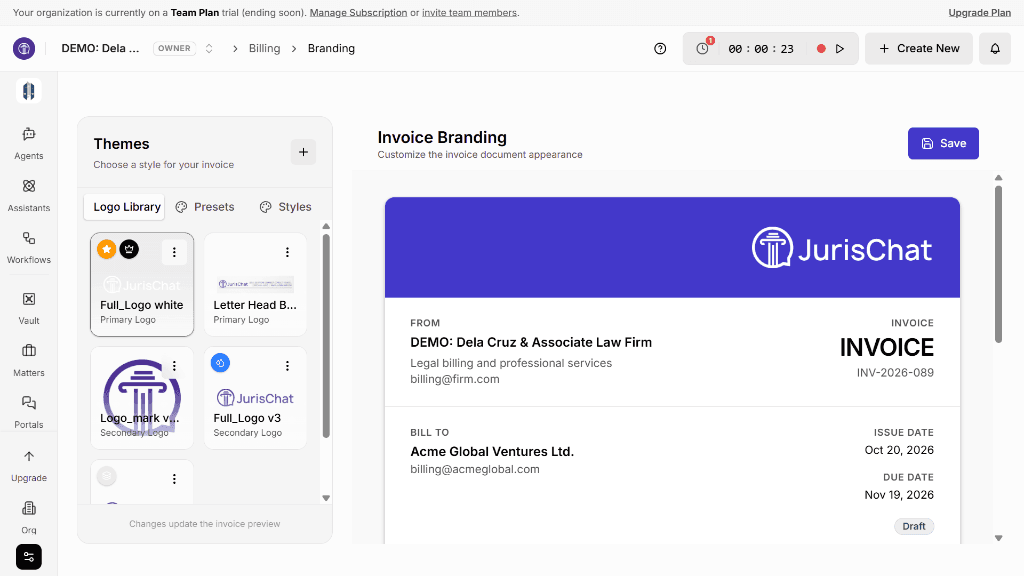
- Curated themes & custom accents: Choose from legal color palettes (Midnight Ledger, Ocean Brief, Royal Docket) or define your firm's exact hex codes.
- Logo Library: Upload high-resolution PNG, SVG, or WEBP logos and place them in the primary header, footer, or as a subtle security watermark.
- Payment instructions & terms: Add banking details, e-wallet QR instructions, and payment terms so clients have clear guidance on settling invoices.
- Live document preview: Preview invoice changes in real time before publishing.
4. Internal Staff Discussions
Keep sensitive casework and team discussions private and centralized right inside your JurisChat workspace.
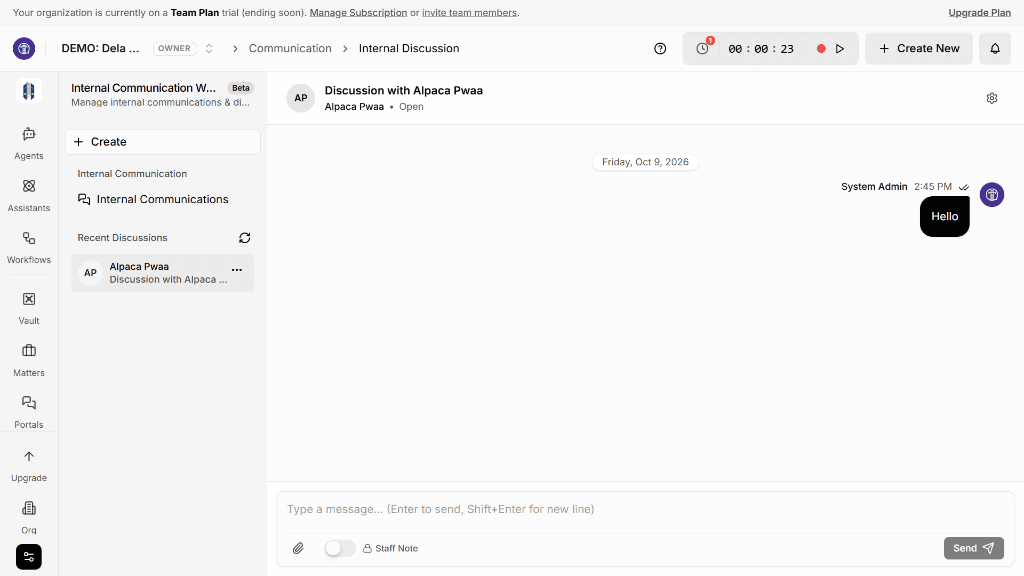
- Staff-only security: Discussions stay strictly within your firm and are never accessible to clients.
- Centralized threads: Organize conversations by topic or matter, share documents, and track message read status.
- Tidy management: Archive, close, or reopen threads as cases evolve.
5. Client Portal
Give clients a dedicated, branded workspace to message your firm and access their case documents without requiring passwords.
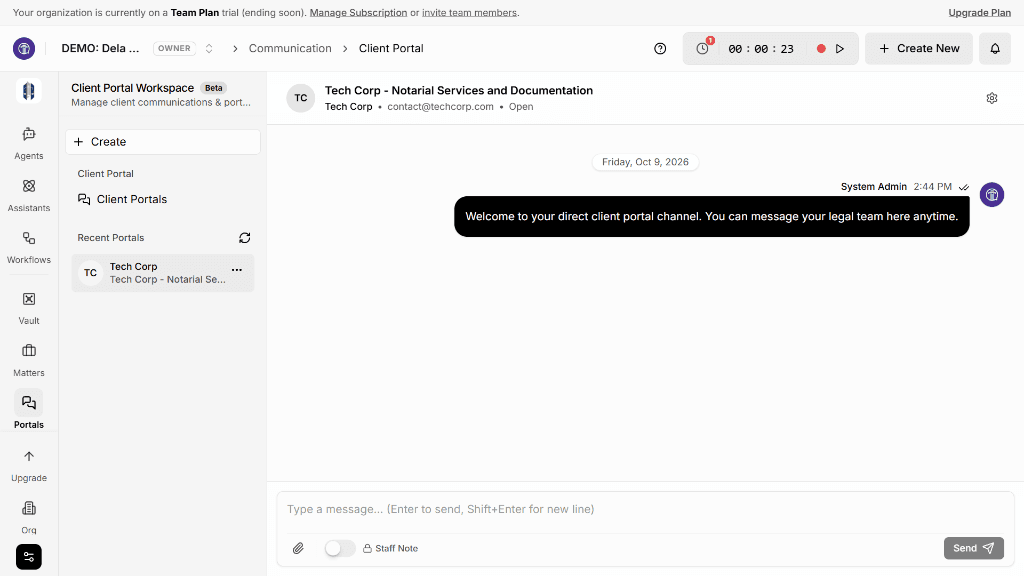
- Passwordless magic-link sign-in: Clients access their portal via secure email links, eliminating password resets and friction.
- Unified communication: Clients send messages and upload records directly into the matter workspace.
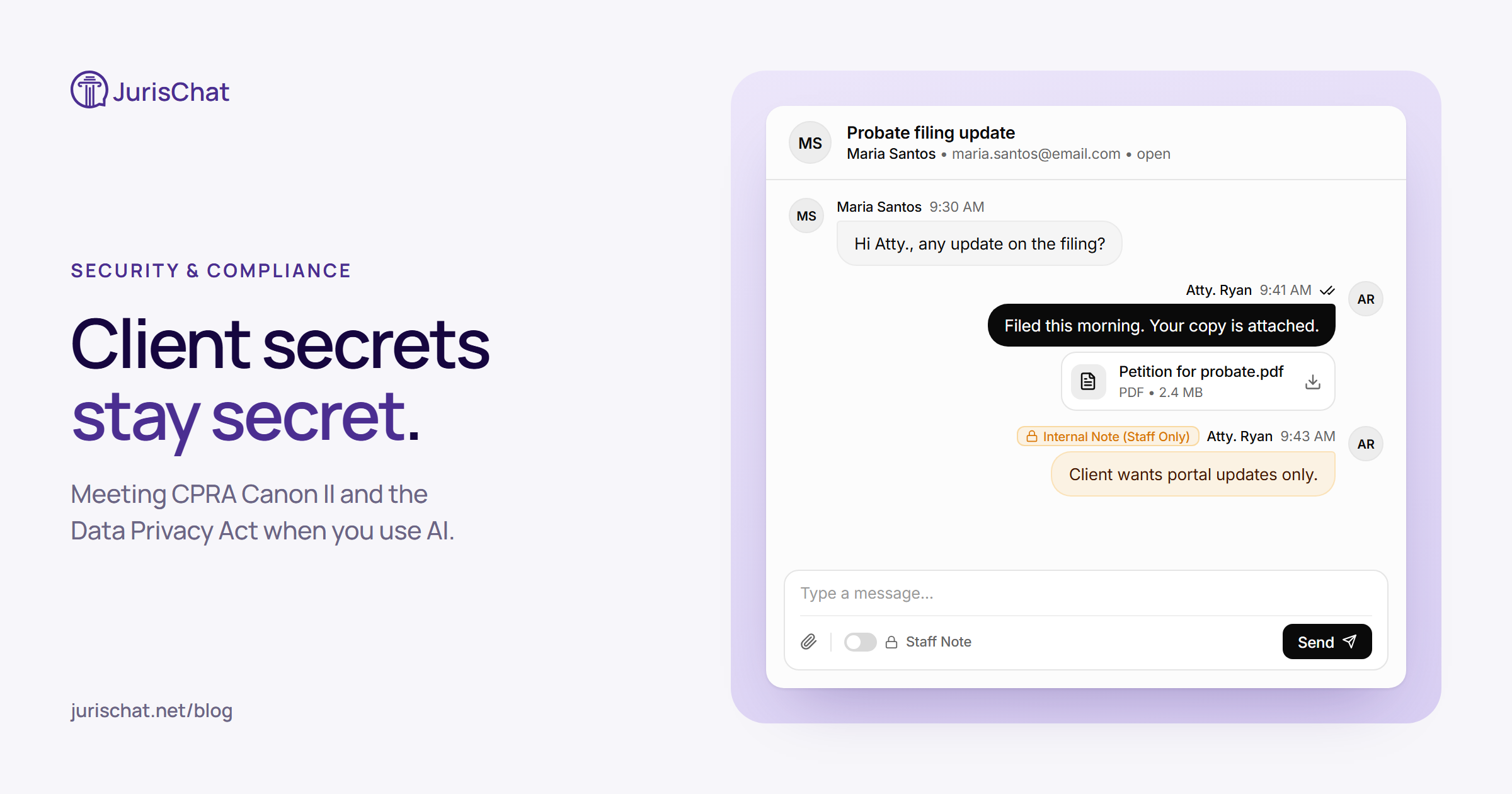
- Private Staff Notes: Toggle the Staff Note switch before sending to leave private notes visible only to your colleagues.
6. Google & Outlook Integrations
Connect the tools your attorneys already rely on every day.
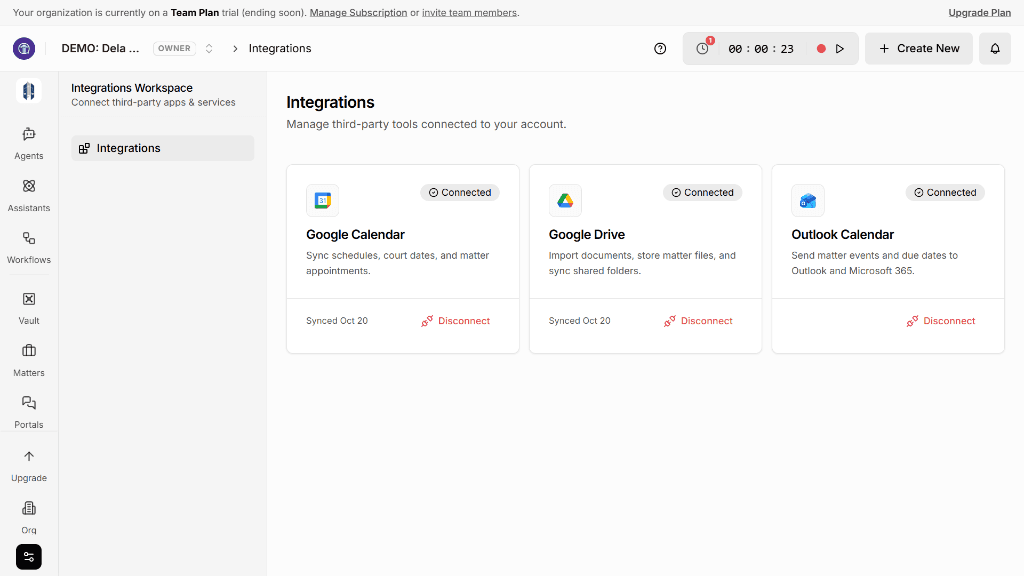
- Two-way calendar sync: Synchronize court hearings, filing deadlines, and client meetings directly with Google Calendar and Microsoft Outlook 365.
- Drive file imports: Import pleadings, contracts, and case files directly from Google Drive into your JurisChat Vault.
- Smart de-duplication: Updating hearing dates in JurisChat automatically syncs and updates the existing event on your calendar.
Getting Started
JurisChat v2.5 is live today for all active accounts.
To begin:
- Import your historical clients and matters from the Matters tab.
- Customize your invoice appearance under Billing > Branding.
- Connect your calendar from Apps & Integrations.
If you're new to JurisChat, explore how our AI-powered legal platform can streamline your practice.
More from the blog
View all
Announcing JurisChat 2.0: The Intelligent Operating System for Philippine Law Firms

Streamlining Law Firm Billing: From Real-Time Timekeeping to Branded Invoices